
Home Office Renovation: Build the Perfect Workspace
Design the ultimate home office with ergonomic setups, lighting solutions, and productivity-boosting layouts. Complete renovation guide.
RoomRenovation.AI Team
Updated March 24, 2026
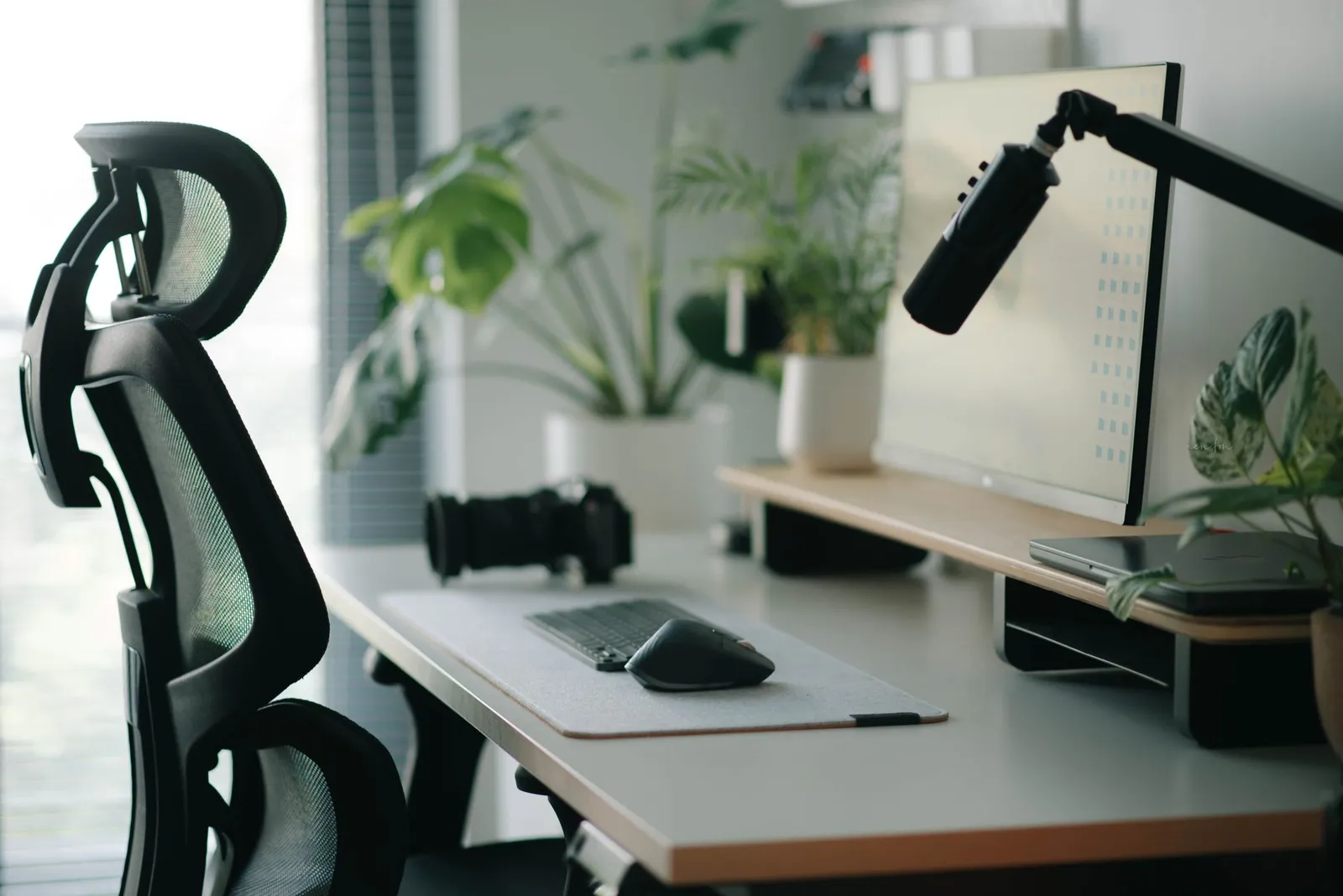
The home office has undergone a complete identity shift. What was once a spare bedroom with a desk in the corner is now a primary workspace where careers are built, clients are impressed on video calls, and hours of deep work are either supported or undermined by the room's design. A home office renovation that prioritizes ergonomics, lighting, acoustics, and professional appearance isn't a luxury in 2026 — it's a professional investment with clear returns in productivity, health, and career perception.
What Separates a Good Home Office From a Great One
Most home offices fail on one or more of four dimensions: ergonomics, lighting, acoustics, and separation from domestic life. A renovation that addresses all four creates a workspace that functions as well as a commercial office — in many cases, significantly better, since you have complete control over every variable.
The great home office is:
- Ergonomically correct — chair, desk height, and monitor position eliminate the neck and back problems that are the number-one complaint of remote workers
- Lit specifically — different layers of light for different tasks, with special attention to how the room looks on video calls
- Acoustically managed — your calls sound professional; you're not distracted by household noise
- Psychologically separated — the space signals "work" when you're in it and allows genuine disconnection when you leave
Ergonomics: The Foundational Layer
Desk Height and Positioning
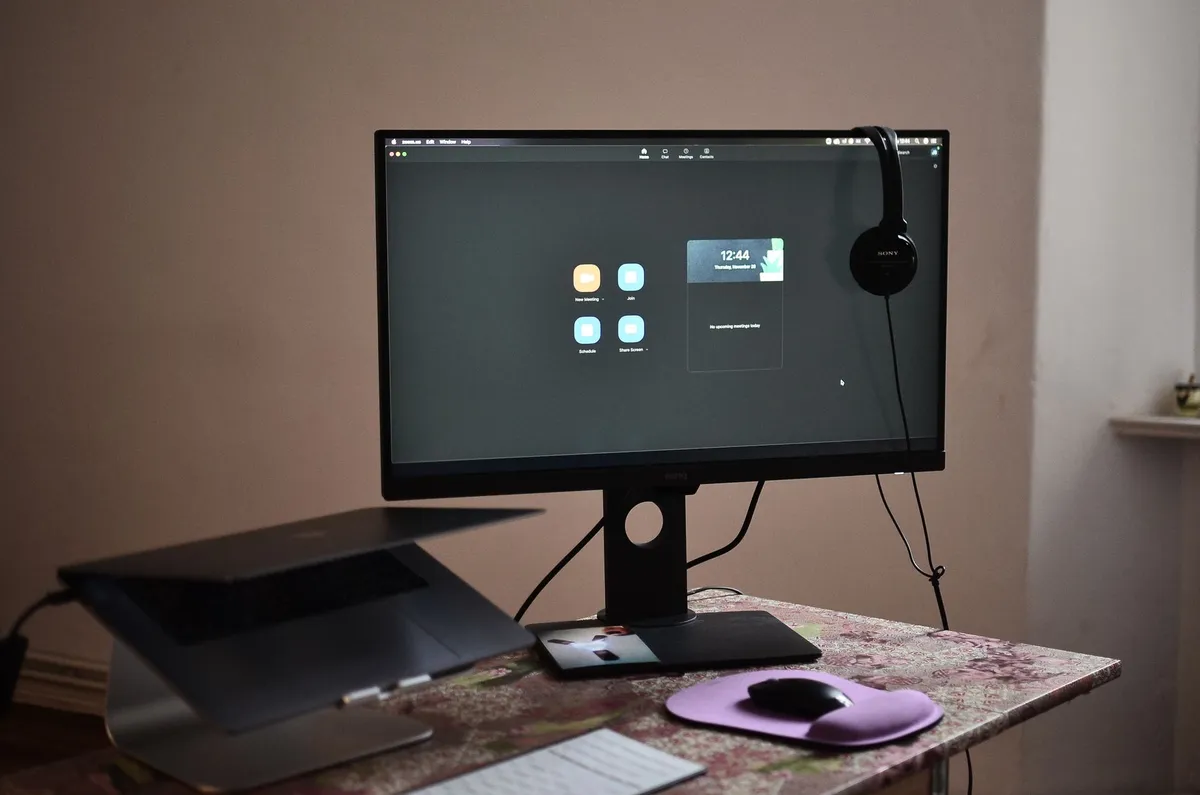
The correct desk height places your forearms parallel to the floor when sitting with shoulders relaxed — for most adults, this is 28–30 inches for seated work. Fixed-height desks need to match the person using them; standing desks (which allow you to adjust throughout the day) eliminate the problem entirely. Height-adjustable standing desks range from $300 for basic electric models to $1,500 for premium options with better motors, memory positions, and stability. The health and productivity case for standing desks — particularly the ability to stand during calls and shift between seated and standing throughout the day — is well established.
Chair: Don't Compromise Here
A quality ergonomic chair is the single highest-ROI investment in a home office renovation. The $200 chair that's wrong for your body will cause back and hip problems within months; a $600–$1,200 chair engineered for 8-hour seated work supports your lumbar curve, allows arm height adjustment, has appropriate seat depth for your leg length, and will outlast three renovations. Herman Miller Aeron, Steelcase Leap, and Humanscale Freedom are the benchmark products; there are strong value alternatives from Branch, Autonomous, and Sihoo in the $300–$600 range.
Monitor Position
Your monitor should be at arm's length (20–30 inches from your face), with the top of the screen at or slightly below eye level. Looking up at a screen causes neck extension that accumulates into chronic pain; looking too far down causes neck flexion. Monitor arms ($30–$150) that clamp to the desk edge are the most flexible solution — they allow infinite adjustment and free up desk surface. For dual monitors, position the primary monitor directly in front and the secondary monitor at a slight angle to avoid constant neck rotation.
Lighting for Home Offices: The Complete Plan
Task Lighting
Task lighting — a dedicated desk lamp that illuminates your working surface without creating screen glare — is the lighting category most home offices lack. The light from ceiling fixtures is overhead and unfocused; it illuminates the room but creates shadows on your desk and often creates harsh reflections on screens. A quality desk lamp with adjustable brightness and color temperature (aim for 4000K for focused work) positioned to the left of your primary monitor (if you're right-handed) eliminates these issues.
Video Call Lighting: Your Professional Appearance
Video call quality is now a professional impression factor. Being poorly lit on calls — backlit by a window, underlit by overhead-only lighting, or lit with harsh color-temperature mismatch — is as noticeable as showing up to an in-person meeting in wrinkled clothes. The solution is a key light positioned at face level in front of you: a ring light ($30–$80), a quality desk lamp positioned correctly, or a dedicated video light ($100–$300). Warm, front-facing light at approximately face height is the professional video standard. AI visualization of your office space can help you identify optimal lamp placement before you buy fixtures.
Natural Light Management
Natural light is ideal for general office lighting — it's full-spectrum, reduces eye strain, and improves mood. But direct sunlight creates screen glare and dramatic shadows on video calls. Position your desk so the window is to your side, not behind you (which backlights you on calls) or directly in front of you (which creates glare on your screen). If side positioning isn't possible, a sheer curtain that diffuses direct sunlight without blocking the light entirely is the solution.
Acoustic Treatment: Sounding Professional
Open-plan homes and hard-surfaced rooms create echo and noise transmission that makes calls sound unprofessional and deep work difficult. Acoustic treatment doesn't require soundproofing — it requires absorption and isolation.
What Actually Reduces Echo
Hard parallel surfaces (wall/wall, floor/ceiling) cause echo. Break them up with soft, irregular surfaces: a large area rug (the most impactful single acoustic addition to a hard-floor office), upholstered furniture, bookshelves filled with books (which absorb and scatter sound effectively), curtains or heavy drapes, and acoustic panels if needed. Bookshelves behind you on a video call serve triple duty: they look professional, provide acoustic absorption, and break up the wall surfaces that cause echo.
Door and Partition Solutions
If your home office shares a wall with noisy domestic spaces, a solid-core door (versus hollow-core) reduces noise transmission significantly. Weatherstripping around the door frame eliminates the gap that lets sound through even with a door closed. For shared open spaces, a tall bookshelf, acoustic room divider, or even a set of floor-to-ceiling curtains on a ceiling track can create effective visual and acoustic separation without construction.
Layout and Storage for Maximum Productivity
The L-Shaped Workspace
For offices that accommodate multiple monitors, reference materials, and varied tasks, an L-shaped desk configuration provides the functional range that a single desk surface cannot. The primary monitor and keyboard occupy one arm; reference materials, secondary monitor, and in-progress work occupy the other. The corner junction is often wasted and can hold a monitor arm or additional storage. L-shaped configurations require more square footage (minimum 10×10 for a comfortable L) but dramatically increase working capacity.
Cable Management
Cable disorder is the aesthetic problem that undermines otherwise well-designed home offices most consistently. It's also entirely solvable with $50–$150 in management solutions: a cable management tray under the desk that holds power strips and excess cable, cable sleeves for vertical runs from desk to floor, and adhesive cable clips that route individual cables along desk edges and walls. The time investment is a few hours; the visual improvement is dramatic, and it comes through on every video call.
Built-In Storage
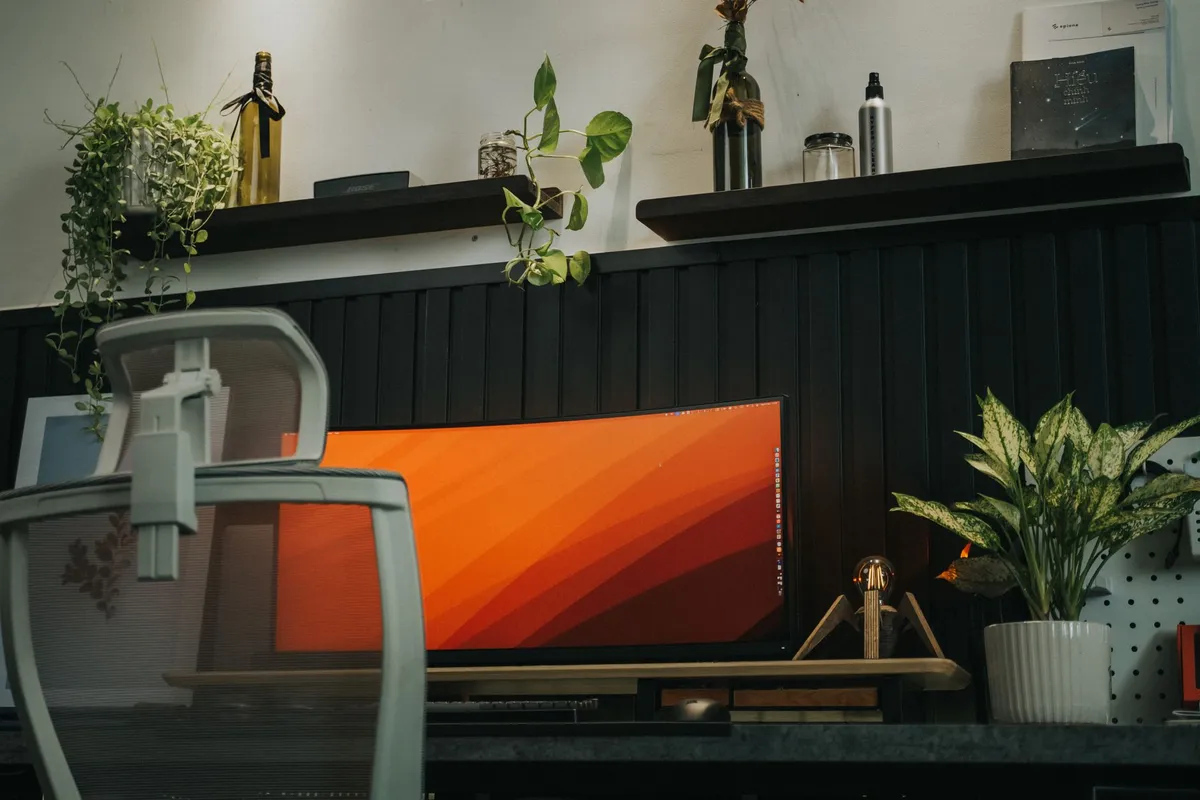
Floor-to-ceiling bookshelves or custom built-ins transform a home office from a bedroom-with-a-desk into a purposeful professional space. They also provide the acoustic benefits described above and create a backdrop for video calls that reads as successful and organized. Custom built-ins from a carpenter run $1,500–$5,000 depending on size and finish. IKEA BILLY systems with crown molding additions achieve 80% of the effect for 20% of the cost.
Visualizing Your Home Office Renovation
Home office renovations benefit specifically from AI visualization because the design constraints are unusually specific — the furniture must go certain places based on ergonomic requirements, cable runs, and lighting positions. Upload your current office photo to RoomRenovation.ai and explore different style treatments for the room, from the clean Scandinavian approach (light woods, warm white walls, minimal objects) to the more dramatic library aesthetic (dark walls, floor-to-ceiling shelving, warmer light). Both work well for professional video call appearances; both read as intentional and designed rather than temporary and improvised.
For a full home office renovation, budget guidance varies widely by scope. A paint-and-furniture refresh costs $2,000–$5,000. A full renovation including built-ins, acoustic treatment, and new flooring runs $8,000–$20,000. The visualization credit packs cover the planning phase so you can make these decisions with confidence before committing. Check the blog for related guides on productive room layouts and home improvement ROI.
FAQ
How much does a home office renovation typically cost in 2026? Range is wide: $1,500–$3,000 for chair, desk, and lighting upgrades; $5,000–$12,000 for a complete renovation with built-ins and acoustic treatment; $15,000–$30,000 for a fully custom professional office with soundproofing, premium built-ins, and high-end finishes.
What's the single most impactful home office upgrade? Chair, if your current one isn't ergonomically correct. Back and neck pain directly reduces cognitive performance — an uncomfortable chair costs more in lost productivity than a great chair costs to purchase, within a few months.
How do I make a small room work as a home office? Prioritize vertical storage (floor-to-ceiling shelving), use a wall-mounted desk if the room is very small, maximize natural light, and use mirrors to expand perceived space. In rooms under 80 square feet, standing desks are particularly valuable because they eliminate the footprint of a chair when you're not at the desk.
What's the best color for a home office? Research suggests moderate saturation blues and greens support sustained focus; warmer neutrals (warm white, light taupe) are the most versatile for mixed use. Avoid very bright or very dark colors in small offices — they either create glare issues or make the space feel compressed. Test your chosen color with an AI render of your actual office before buying paint.
Does a home office renovation add value to the house? In markets with high remote-work prevalence, yes — a well-designed dedicated office is increasingly cited by buyers as a significant feature. The ROI is highest when the space is a true dedicated room (not a corner of a bedroom) and when the renovation quality reads as professional rather than improvised.