
Real Estate Agent Guide: Using AI for Listing Presentations
How real estate agents use AI design visualization in listing presentations. Win more listings with before-and-after visualization and virtual staging.
RoomRenovation.AI Team
Updated March 23, 2026
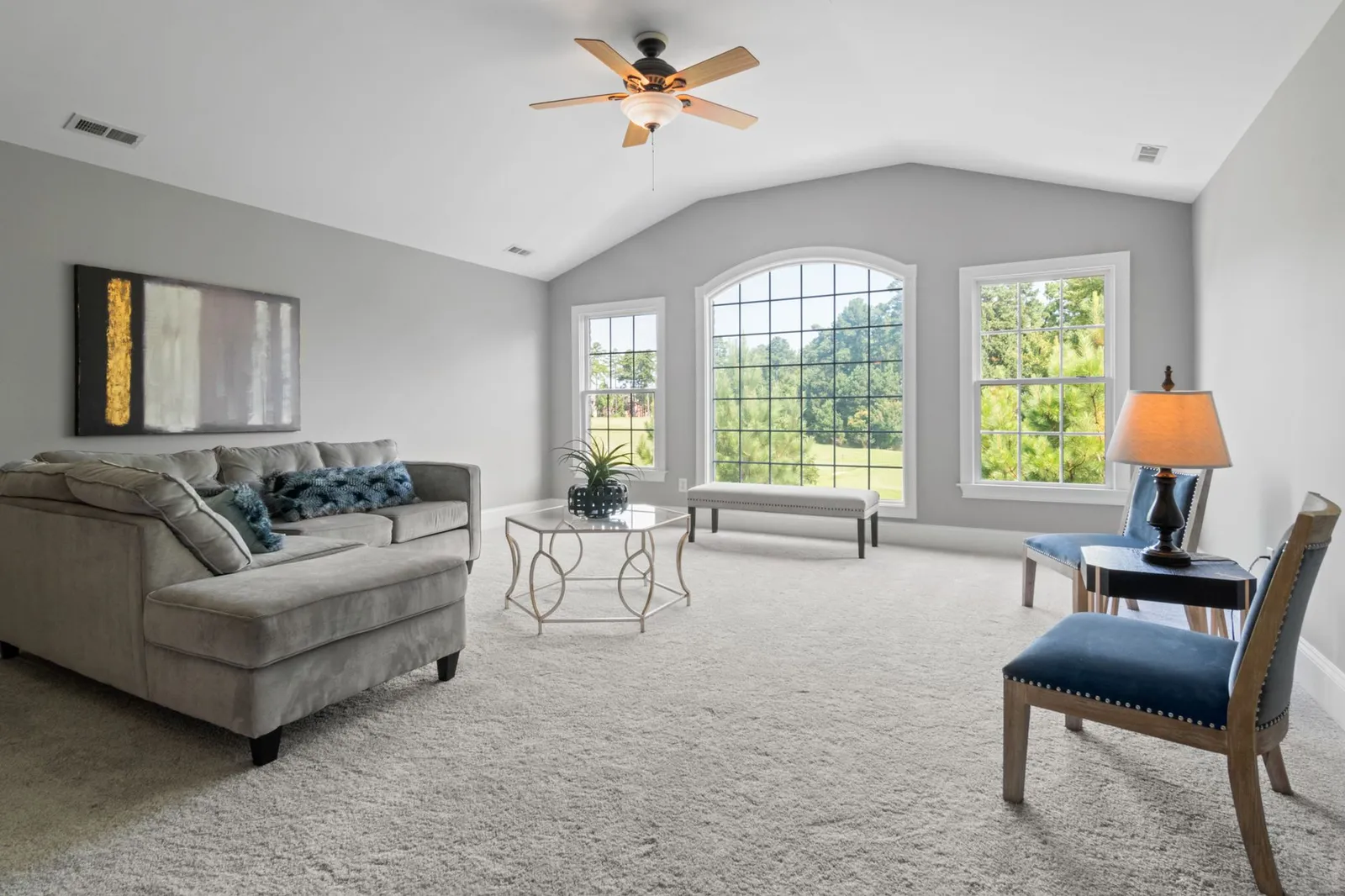
Real estate listing presentations are won before the first open house. The agents who consistently win listings are the ones who show sellers not just what they'll do, but what the property could become — and they show it visually, in the seller's actual home, before any money changes hands. AI visualization for real estate listing presentations has become one of the most effective differentiation tools available to agents in 2026, and the agents using it are closing at measurably higher rates and commanding better commissions.
Why AI Visualization Wins Listings
Consider what sellers see in a typical listing presentation: a market analysis printout, a list of the agent's past sales, a marketing plan summary, and perhaps a few comps from the neighborhood. Now consider what they see when you bring AI-rendered before-and-after images of their actual living room, kitchen, and master bedroom — showing buyers what the home could look like with professional staging concepts applied, or with the outdated carpet replaced by the LVP flooring that the market expects.
That second presentation is fundamentally different. It demonstrates that you've already done work on their property, that you have a specific plan for their specific home (not a generic pitch), and that you understand what buyers in the current market respond to. It also creates emotional investment — sellers who have seen a beautiful vision of their home are motivated to achieve it, which often translates directly into accepting your recommended preparation steps.

What AI Can Visualize for Real Estate
Virtual Staging for Empty Properties
Empty rooms are the hardest properties to sell. Buyers cannot interpret space without furniture — they either overestimate or underestimate room size, and they have no emotional anchor for imagining their life there. Virtual staging using AI fills rooms with style-appropriate furniture in minutes rather than the days and thousands of dollars that physical staging requires. Physical staging typically costs $1,500–$4,000 per month; AI virtual staging costs a few dollars per room.
The practical workflow: photograph each empty room professionally, upload photos to RoomRenovation.ai, select the staging style (modern, transitional, Scandinavian, traditional — matched to the likely buyer demographic for that property and neighborhood), and receive photorealistic renders. These renders go into your listing photos, your marketing materials, and your digital presentations.
Renovation Visualization: "Here's What $30,000 Could Look Like"
Many sellers resist pre-listing renovations because they can't visualize the outcome — they're being asked to spend money on an abstraction. When you show them a photorealistic render of their dated kitchen with new cabinet fronts, quartz countertops, and updated hardware, the ROI conversation changes completely. Suddenly, the $8,000 refresh isn't money spent on their home's past; it's investment in the buyer's future vision, and sellers understand that it protects their sale price.
Style Matching for Buyer Demographics
Different neighborhoods attract different buyer profiles. A property in a neighborhood attracting young professional couples sells differently than one attracting families or empty-nesters. AI visualization lets you show the same property styled differently for different buyer segments — run three renders of the master bedroom in modern minimalist, transitional warm, and Scandinavian, and use the style that best matches your target buyer pool in your listing photography and marketing.
Building the AI-Enhanced Listing Presentation
Step 1: Pre-Appointment Photo Reconnaissance
Many agents tour a listing candidate before the actual presentation appointment. Use this tour to take 6–10 room photos with your phone (or a simple camera) — wide-angle shots from corners, capturing the full room. Upload these immediately and generate initial renders before you even prepare your CMA. When you walk into the listing presentation, you're not proposing AI visualization; you're showing them examples you've already created of their home.
Step 2: Curate the Most Transformative Rooms
Focus AI visualization on the rooms with the highest buyer decision weight: kitchen, primary bedroom, living room, and the first room buyers see when they enter. These are the rooms that form the emotional impression that drives offers. A stunning kitchen render is worth ten bathroom renders in terms of marketing impact.
Step 3: Create a Visual Narrative
Structure your presentation as a visual story: "Here's how your home looks today. Here's what buyers in this market are looking for. Here's exactly what your home could look like." The before-and-after format creates a gap that motivates action — sellers can see the distance between where their property is and where it needs to be, with a clear plan to bridge it.
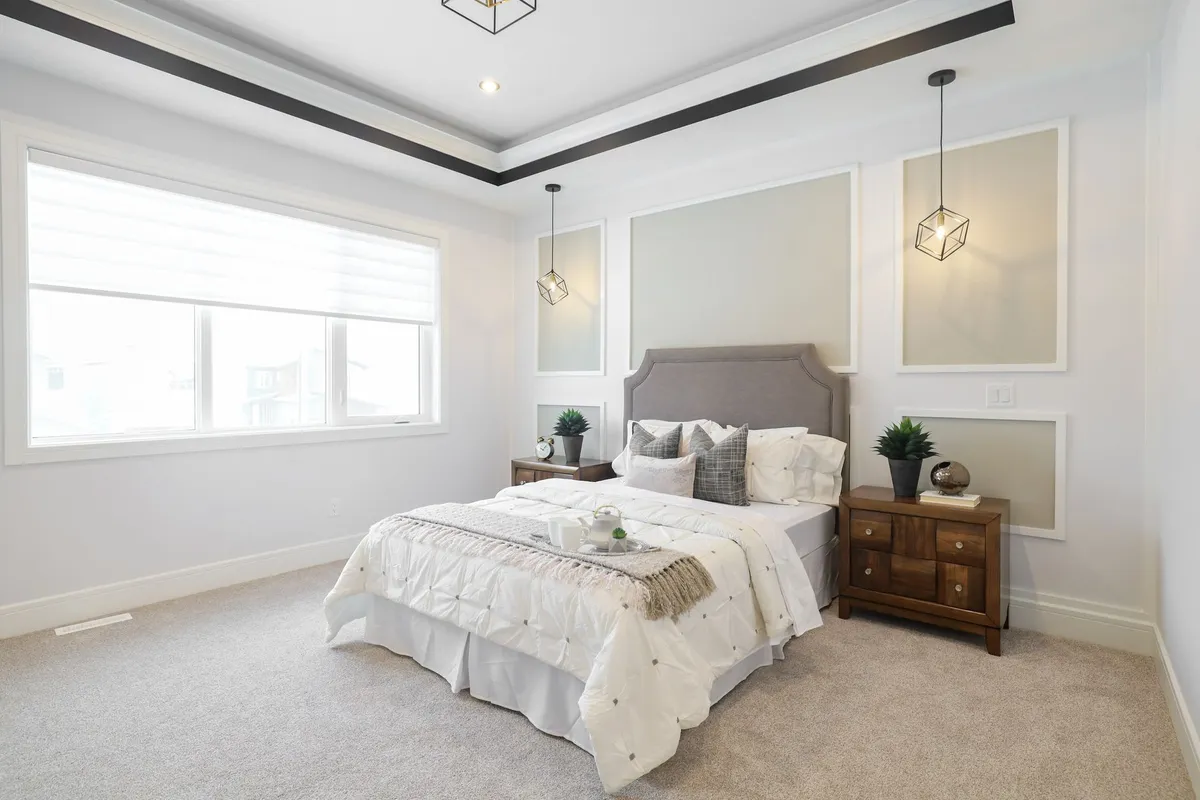
Step 4: Connect Visualization to Market Data
AI renders are most powerful when connected to real market outcomes. If your CMA shows that comparable properties with updated kitchens sell for 8–12% more than those with dated kitchens, the render makes that abstract percentage tangible. "Here's what the updated kitchen looks like, and here's what it's worth in your specific neighborhood" is a complete, compelling argument for pre-listing investment.
Practical Workflows for High-Volume Agents
Agents with ten or more active listings need a repeatable system rather than a one-off process. The efficient workflow:
- Standard photo protocol: Every listing photo session captures one consistent wide-angle shot from the same position in each key room. This makes AI upload faster and more consistent.
- Template style library: Maintain two or three go-to styles for your market — transitional and Scandinavian for most US suburban markets, modern or industrial for urban condos, traditional or farmhouse for rural and small-town properties. Generate in these styles for every listing rather than customizing each time.
- Render batch for open houses: Generate a 6–10 render set per property and display them on a tablet at the open house. Buyers see what the home could be, which overcomes the imagination deficit that stops many offers.
- Listing marketing integration: Include AI-rendered "potential views" alongside actual listing photos in marketing emails and social content, clearly labeled as visualizations.
The Commission Conversation: How This Protects Your Rate
Discount brokers compete on commission percentage. Full-service agents who use AI visualization have a clear differentiator: they show, before the listing is signed, the extra work they've already done and the marketing approach that justifies a professional commission. An agent who walks in with AI renders of the seller's home commands the presentation; an agent who brings the same CMA and marketing plan template as every other agent invites a commission negotiation.
The investment is minimal. A credit pack on RoomRenovation.ai covers the renders for multiple listing presentations — a few dollars per property at most. The return is a more professional presentation, higher seller confidence, and properties that sell faster with less price reduction because buyers come in understanding the home's potential.
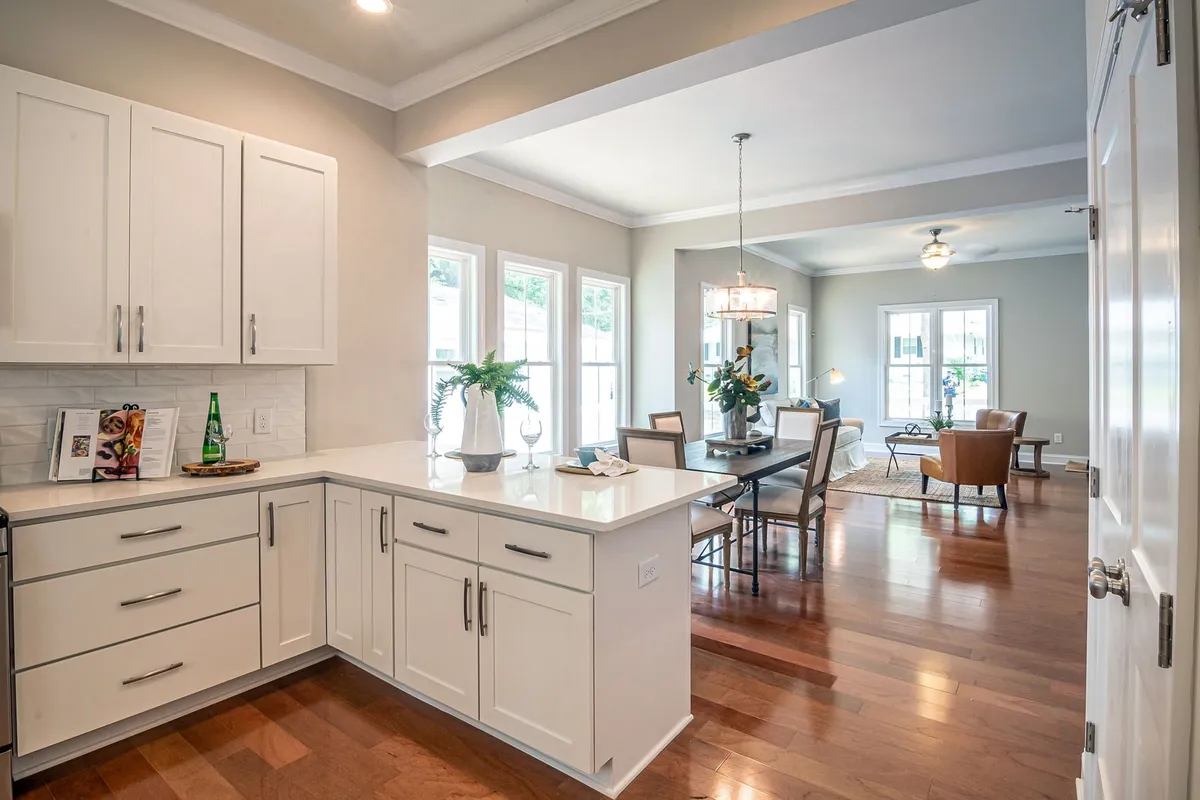
Ethics and Disclosure
AI renders used in listing presentations and marketing materials should be clearly labeled as visualizations — "AI-rendered design concept" or "visualization of potential renovation." This isn't just ethical practice; it's legally protective and builds trust with buyers who appreciate transparency. The value of AI visualization is in demonstrating possibility, not in creating misrepresentation. Sellers and buyers who understand they're looking at a visualization of potential are still influenced by it; you don't need to obscure the nature of the image to achieve the effect.
Most AI visualization tools, including RoomRenovation.ai, are clear about the nature of the output. Use the renders as the planning and marketing tools they are, with appropriate labeling, and the tool becomes a trust-builder rather than a liability.
FAQ
How much does AI virtual staging cost compared to physical staging? Physical staging typically costs $1,500–$4,000 per month for a furnished property. AI virtual staging on a credit-based platform costs $5–$20 for a full property's worth of renders. For vacant properties where physical staging isn't practical, AI virtual staging is essentially a no-brainer investment.
Can I use AI renders in the MLS listing photos? This depends on your MLS rules, which vary by market. Most MLSs require primary listing photos to show the property's actual current condition. AI renders are best used in supplemental sections, marketing materials, and presentation decks rather than as primary listing photos. Always check your local MLS guidelines.
How do sellers typically react to AI visualization in a listing presentation? Almost universally positively. Sellers are accustomed to agents describing what they'll do; seeing it done already (even as a visualization) creates an immediate impression of competence and preparation that generic presentations cannot match.
What room should I prioritize for AI visualization? The kitchen, consistently. Kitchen renovations and updates have the highest buyer decision impact in most US markets, and kitchen renders generate the most dramatic before-and-after contrast that motivates both sellers to prepare the property and buyers to make offers.
Do I need design knowledge to create compelling AI renders? No. Tools like RoomRenovation.ai are designed for non-designers — you upload the photo, select a style, and the AI handles the design work. The results are professional-quality without requiring any design training on your part.