How Interior Designers Use AI to Speed Up Client Presentations
Interior designers use AI visualization to dramatically speed up the design process. Faster mood boards, instant revisions, and happier clients.
RoomRenovation.AI Team
Updated March 24, 2026
Interior designers who've integrated AI visualization tools into their client workflows consistently report the same outcome: faster approvals, fewer revision cycles, and clients who arrive at final decisions with more confidence and less anxiety. The reason is architectural — design decisions that previously required expensive physical samples, custom renderings, or leaps of faith can now be evaluated visually in minutes, in the client's actual space. AI hasn't replaced the designer's eye; it's made the presentation process dramatically more efficient.
The Design Approval Bottleneck AI Solves
The conventional interior design presentation workflow follows a pattern that hasn't changed much in decades: the designer selects materials, develops a concept, prepares a mood board with physical samples and reference images, and presents it to the client in a meeting. The client reacts — sometimes enthusiastically, sometimes not — and a revision cycle begins that can extend weeks or months.
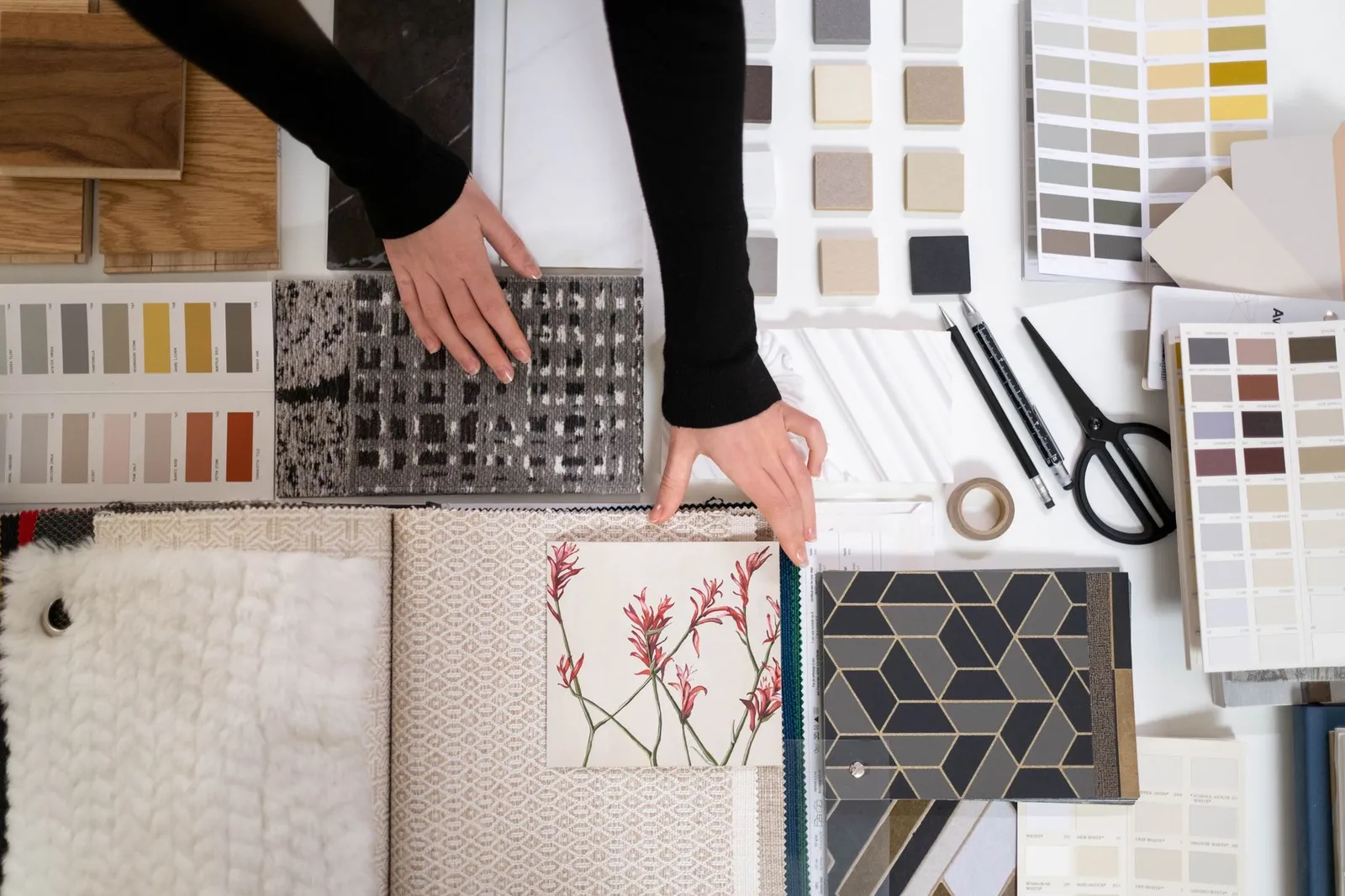
The fundamental problem is that mood boards require imagination. Clients see a swatch of fabric, a tile sample, a paint chip, and a furniture photograph — and they're asked to mentally compose all of these elements into a coherent room. Many clients genuinely can't do this, not because they lack taste, but because spatial visualization is a cognitive skill that isn't evenly distributed.
AI room visualization removes the imagination requirement. The client sees their actual room, with their actual architecture and light, transformed by the designer's vision. The question shifts from "can you imagine this?" to "does this feel right?" — and the latter is a question every client can answer.
How to Integrate AI Renders into Client Presentations
Phase 1: Concept Confirmation
After an initial client discovery session, use AI visualization to quickly generate two or three concept directions in the client's actual rooms before the first formal presentation. Upload the client's room photos to RoomRenovation.AI and apply styles that match the directions you're considering.
This serves a dual purpose: it gives the client visual proof that you've been listening (the render uses their real room), and it identifies early which direction resonates emotionally before you've invested hours in a detailed scheme. A direction that generates genuine excitement in the AI render phase is worth developing; one that produces a lukewarm response is worth reconsidering before you've built a full board around it.

Phase 2: Material and Palette Exploration
Once the direction is confirmed, AI renders are useful for macro-level material decisions: light versus dark floor? White cabinetry or a color? Open shelving or upper cabinets? These decisions affect room character dramatically but are expensive to mock up physically.
Run quick renders showing the two or three material directions you're considering and present them as a comparison set. Clients respond viscerally and quickly to visual options in their own rooms — a side-by-side of dark-floor versus light-floor in their actual kitchen produces a faster, more confident decision than any amount of verbal description.
Phase 3: Pre-Purchase Visualization
Before final furniture orders go in, AI visualization can be used for a sanity check on scale and proportion. If you're specifying a sofa that's slightly larger than the client expected, or a light fixture that will feel more dramatic in person than it looks in a catalog photo, a render showing the item in context sets appropriate expectations and prevents the "it's bigger than I thought" conversation after delivery.
Speed Advantages in the Presentation Process
The time savings in presentation preparation are real and compound across a project:
- Mood board alternatives: A physical mood board for a single room takes 2–4 hours to prepare. An AI render of the same room in concept-direction styling takes 10–15 minutes and communicates more specifically.
- Revision cycles: When clients can evaluate AI renders rather than mood board concepts, change requests become more specific and actionable. "I want to see this with a lighter wood floor" is a 10-minute render adjustment; the same instruction after a physical presentation might require a new board preparation.
- Client confidence: Designers who use AI visualization report fewer buyer's remorse conversations post-installation because clients have already emotionally committed to the look they approved in render form. The psychological investment in the visual preview translates to greater acceptance of the finished room.

Where AI Renders Fit and Where They Don't
AI room visualization is a tool, not a replacement for design skill. Its limitations matter as much as its capabilities:
Where AI Excels
- Quickly showing a client what a style direction would feel like in their actual space
- Comparing two or three macro design decisions (floor color, cabinet color, style direction) side by side
- Creating client-presentable concept visuals without expensive 3D rendering software
- Setting realistic expectations for renovation outcomes before work begins
- Social media content showing design transformations for marketing purposes
Where AI Has Limits
- Precise specification — the AI can't show a specific SKU furniture piece in a specific COM fabric
- Architectural accuracy — renders approximate spatial feel but aren't dimensionally precise
- Complex lighting scenarios — render lighting is approximated, not calculated
- Custom millwork detail — built-ins and cabinetry details are generalized, not drawn
The professional workflow treats AI renders as visual communication tools that accelerate client decision-making, while maintaining traditional tools (AutoCAD, SketchUp, hand drafting) for the specifications that require precision. They complement rather than replace each other.
Client Communication Scripts
Introducing AI renders to clients for the first time works best with light framing: "I've put together a quick AI visualization of your living room in the direction we discussed — it gives us a jumping-off point to see if this is the right feel before we go deeper." This positions the render as a conversation starter rather than a finished proposal, which sets accurate expectations about its purpose.
For clients who are concerned about AI-generated imagery, note that the underlying design intelligence is still entirely yours — you selected the style direction, you're curating the relevant output, you're guiding the revision conversation. AI accelerates the visualization; it doesn't generate the design concept.
Practical Setup for Professional Use
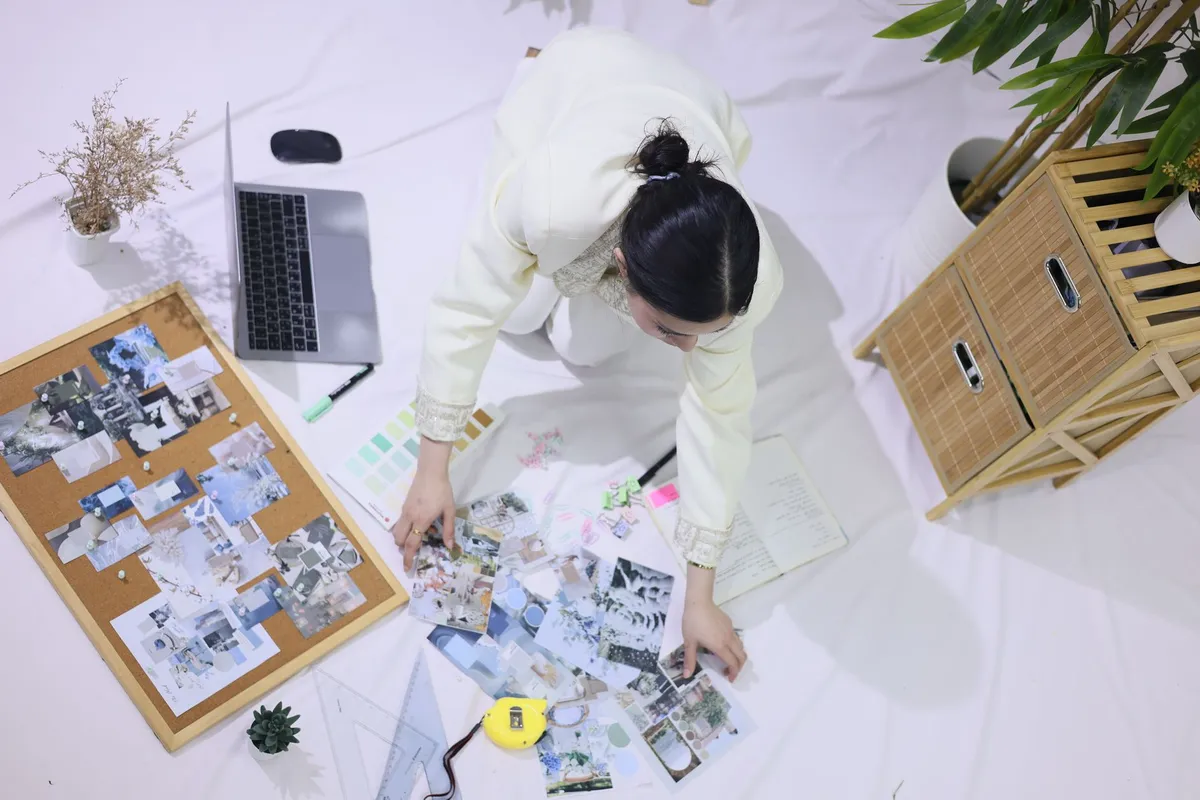
For professional interior designers, the most efficient workflow:
- Photograph client rooms at initial site visit — wide-angle, horizontal, natural light where possible
- Upload to RoomRenovation.AI and generate 2–3 concept-direction renders per key room (living room, kitchen, primary bedroom)
- Curate the best render per direction; annotate with notes on what the render is showing versus your actual material specifications
- Present renders alongside your mood board in the initial concept presentation
- Use client reactions to renders to refine the direction before the formal specification phase
The pricing structure at RoomRenovation.AI supports professional volume use at rates well below the cost of traditional architectural rendering services. For designers who are running multiple active projects, the cost per render is a small fraction of the time savings realized in a single shorter meeting.
FAQ
Do AI renders replace 3D architectural rendering? No. They serve a different purpose: AI renders are fast, accessible visual communication tools for concept direction. 3D architectural rendering (SketchUp, Revit, 3ds Max) provides dimensional precision for specification and construction documentation. Both have a place in a professional design workflow.
Can clients use AI renders themselves, or do they need the designer to run them? Clients can use tools like RoomRenovation.AI independently. Some designers share access with clients as part of the discovery process — letting clients experiment with style directions themselves. This surfaces genuine preferences faster than questionnaire-based discovery sessions.
How do I present AI renders without clients thinking the design is finished? Frame them explicitly as "concept direction previews, not finished specifications." Verbal framing at presentation time is sufficient; sophisticated clients understand the distinction. Use render sessions to answer directional questions, not to show completed designs.
Will AI render tools become more common in the interior design industry? Adoption is already fast and accelerating. Designers who integrate AI visualization into their workflow now will have a competitive advantage in client acquisition and satisfaction as the tools become a client expectation rather than a differentiator.
Where can I try AI room visualization with a client's photo? Upload any room photo at RoomRenovation.AI's free render page to see the immediate output quality — a practical first step before integrating any tool into a professional workflow.