
How to Stage Your Home for Sale Using AI Virtual Staging
Stage your home for sale using AI virtual staging. Increase buyer interest and selling price with empty room visualization and style upgrades.
RoomRenovation.AI Team
Updated March 21, 2026
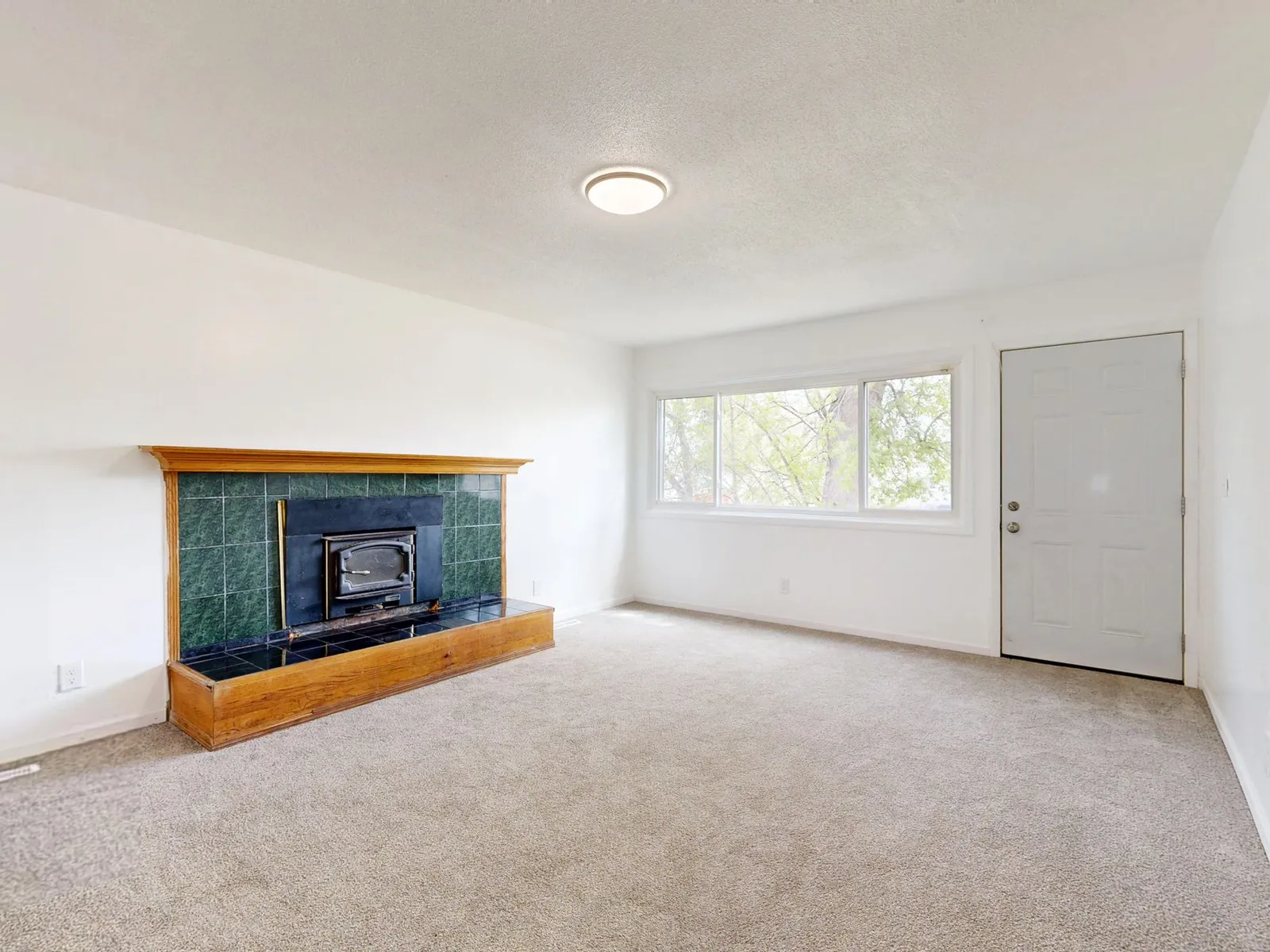
Staging a home for sale used to mean either hiring a professional stager ($1,500–$5,000 for a typical listing) or relying on your existing furniture — which, for most occupied homes, is the wrong scale, color, and arrangement for maximum buyer appeal. AI virtual staging has created a third option: transform empty rooms or cluttered occupied spaces into polished, buyer-ready interiors at a fraction of the traditional cost, with results fast enough to make the photography deadline.
Why Home Staging Matters for Sale Price
The National Association of Realtors consistently reports that staged homes sell faster and closer to asking price than unstaged equivalents. The psychology is straightforward: buyers cannot easily visualize scale, furniture placement, or a room's purpose from an empty or cluttered photo. A staged room provides the mental shortcut — they can see themselves in the space. The result is more showings from online listings, more offers in less time, and fewer lowball negotiations.
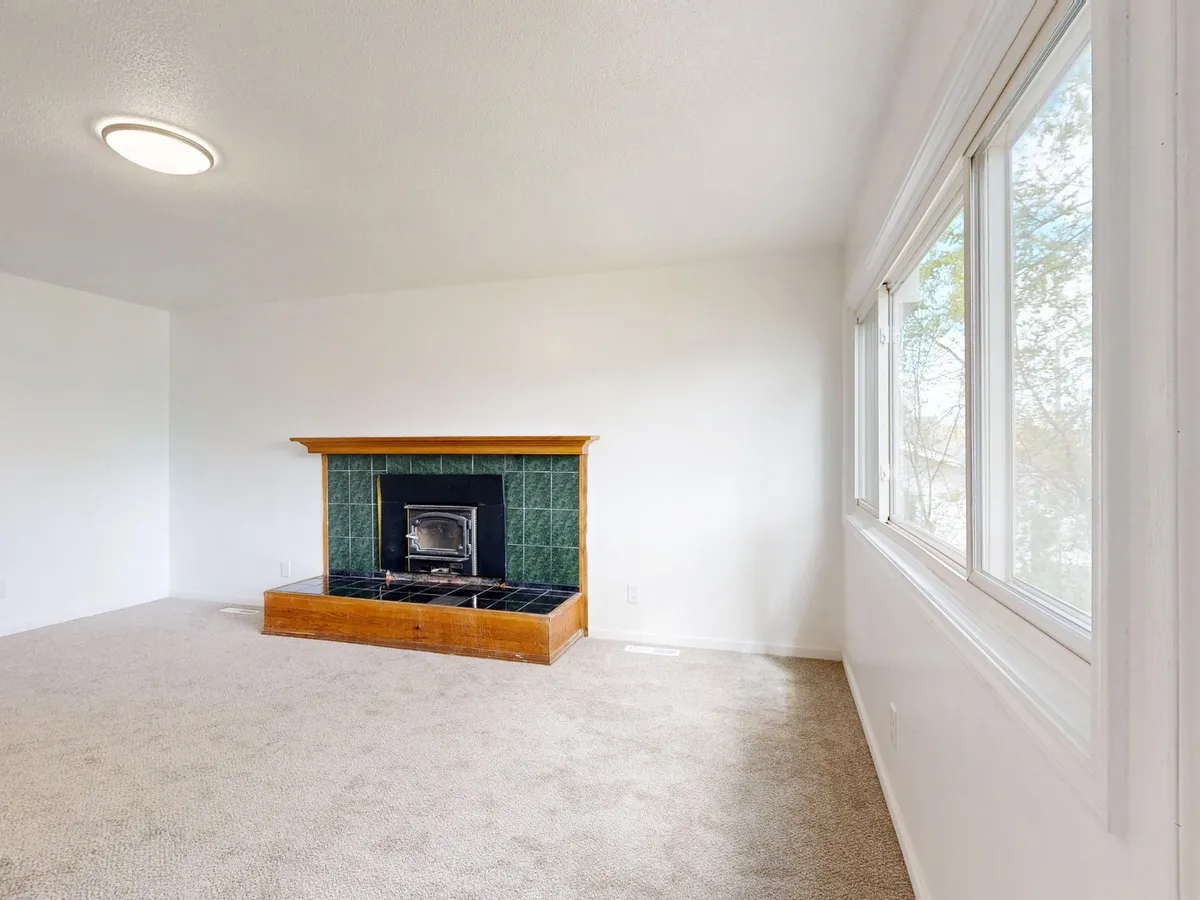
Empty rooms present specific challenges. Without furniture, buyers consistently underestimate room size and struggle to understand traffic flow. A staged living room with correctly scaled furniture immediately communicates "this room fits a sectional sofa and still has walking space." That information closes deals.
Traditional Staging vs. AI Virtual Staging
Traditional physical staging involves renting and transporting real furniture, having a professional stager arrange it, photographing the result, and then returning everything after the listing closes. Typical cost: $1,500–$5,000 for the main living areas, plus monthly rental fees if the home takes more than 30 days to sell.
AI virtual staging digitally adds furniture and decor to photos of empty or lightly furnished rooms. The output is a photorealistic image used in the MLS listing, on Zillow/Realtor.com, and in the marketing package. Cost: a few dollars per room rather than thousands. Speed: hours rather than days of scheduling and logistics.
The limitations are honest: buyers who visit in person will see an empty or different-looking room. Best practice is to disclose that listing photos include virtual staging (most markets require this) and to use consistent furniture scale and style across all rooms so the listing feels coherent.
How to Use AI Room Design for Home Staging
Step 1: Photograph Each Room Correctly
Good staging AI starts with a good input photo. Shoot in landscape orientation from a corner of the room whenever possible to capture the full space. Shoot in natural daylight (mid-morning is ideal for most rooms) with overhead lights off to avoid mixed color temperatures. Clear the room of personal items, boxes, and clutter before shooting even if the furniture stays — the AI needs clean, readable surfaces to work with.
Step 2: Choose a Style That Suits Your Market
The target buyer for your home determines the right staging style. For a suburban family home, warm traditional with clean lines performs well. For an urban loft or condo, modern minimalist or industrial typically resonates with younger buyers. For coastal or vacation properties, coastal/California palettes match buyer expectations. Avoid overly personal or niche styles — the goal is broad emotional appeal, not individual self-expression.
Step 3: Stage the High-Value Rooms First
If budget requires prioritizing, stage in this order: primary living area, primary bedroom, kitchen, and primary bathroom. These are the rooms that appear in listing search results and that buyers spend the most time evaluating. Secondary bedrooms and utility rooms matter less in the initial impression.
Step 4: Upload to RoomRenovation.AI
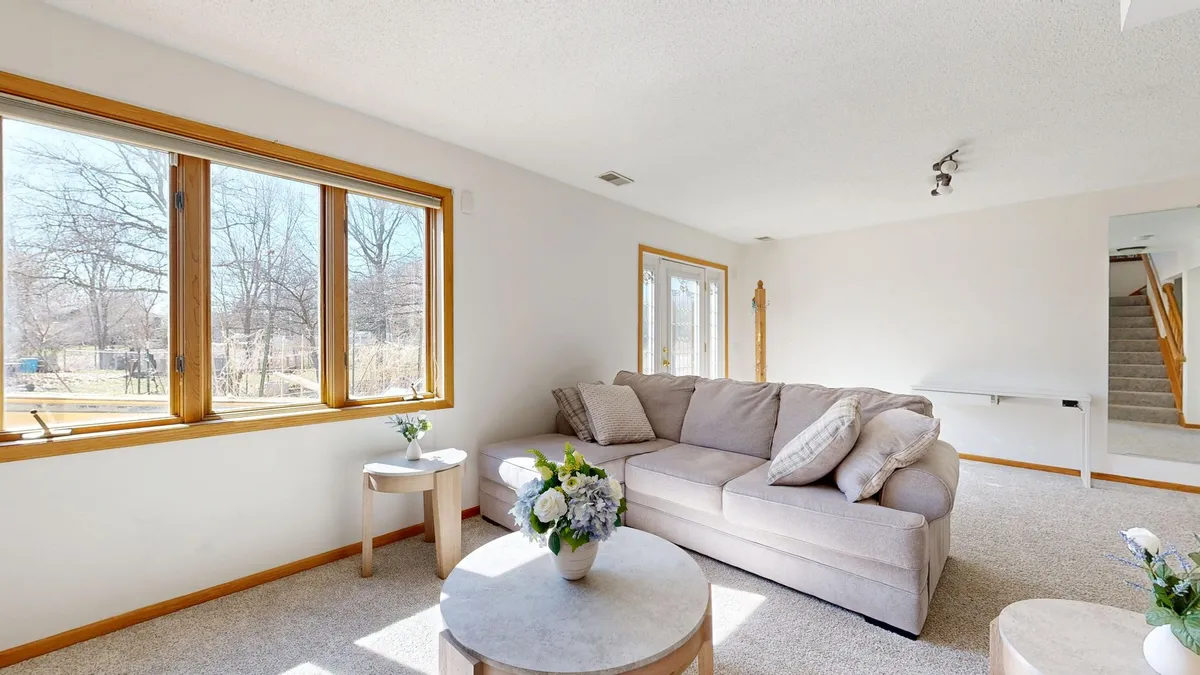
With your photos ready and style direction chosen, upload to the design dashboard. The AI renders your room in the chosen style in minutes. For occupied rooms where the existing furniture does not photograph well, the AI can render over the current setup, replacing furniture virtually with better-scaled, more buyer-neutral pieces.
Use the free room render to test your primary living area before committing to a paid package for the full home. See the examples gallery for before-and-after staging renders to calibrate expectations.
What Sells: Style Rules for Listing Photography
These staging principles apply whether you are using AI or physical furniture:
- Neutral palette with warm accents. Greige walls, cream or natural linen furniture, wood tones. One or two muted accent colors maximum. Avoid anything that will polarize buyers — bold feature walls, dark moody palettes, or very personal art.
- Furniture at correct scale. The most common staging mistake is undersized furniture. Use generous sofas and dining tables that fill the room appropriately. Buyers subconsciously read undersized furniture as a sign the room is smaller than it is.
- Clear sightlines. No furniture blocking the path from camera to window. Buyers respond to light, and anything blocking the view to natural light in a listing photo reads as making the room darker and smaller.
- Minimal surfaces. Kitchen counters should have one or two carefully chosen objects (a plant, a bowl of fruit, a cookbook). Nothing more. The cleaner the surface, the better the room reads as spacious and well-maintained.
Cost of AI Virtual Staging vs. Real ROI
AI virtual staging from RoomRenovation.AI starts at a few dollars per render, making it accessible even for FSBO (for-sale-by-owner) listings. Compare that to the $1,500–$5,000 cost of physical staging and the math is compelling. Even a 0.5% improvement in final sale price on a $400,000 home ($2,000) more than justifies the investment. For homes that would otherwise sit on the market empty, the difference in time-to-offer has a real carrying cost measured in mortgage payments.
See the full pricing breakdown and browse the staging tools before your next listing appointment.
Occupied Home Staging: Working With What You Have
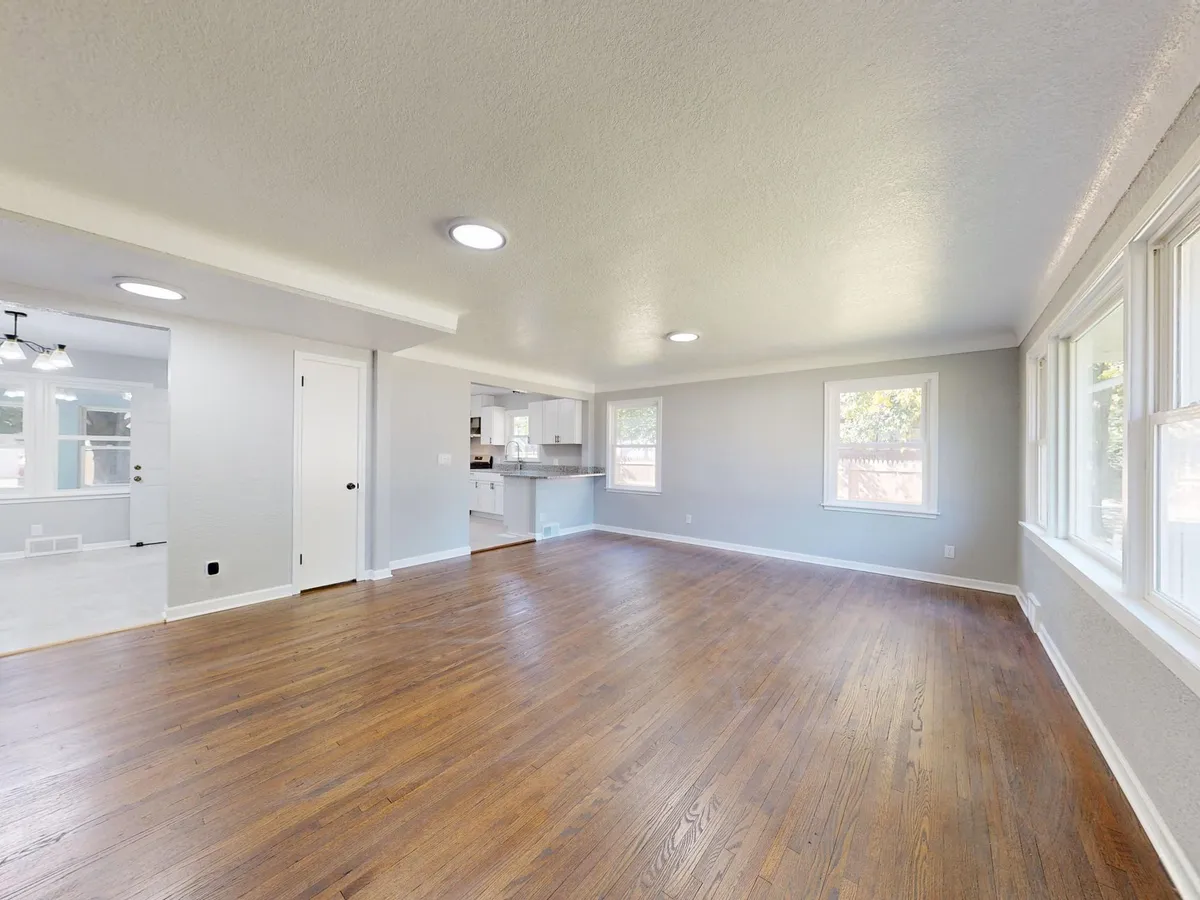
If the home is occupied and will be shown with existing furniture, AI staging can still help. Use it to:
- Test whether a paint change to a more neutral color would improve listing photos before rolling a brush.
- Visualize how the room would look with the current furniture rearranged — sometimes moving a sofa to face a different direction or pushing furniture away from walls reads significantly better in photos.
- Show buyers what the primary bedroom would look like as a clean, styled space rather than as an occupied room mid-move-out.
FAQ
Is virtual staging legal in real estate listings? Yes, with disclosure. Most MLS rules and state real estate disclosure requirements simply require that virtually staged photos be clearly labeled as digitally altered. Check your specific state and MLS rules, but disclosure is the standard practice.
Does staging actually increase sale price? Real estate data consistently shows staged homes sell faster and at prices closer to list. The mechanism is faster time-to-offer, which eliminates lowball negotiations that increase when a property sits on the market.
Can I stage my home myself with AI tools? Yes. You provide the photos; RoomRenovation.AI handles the rendering. No design skills are required. Use the free render to test with one room before staging the full listing package.
What rooms benefit most from AI staging? Empty living rooms and primary bedrooms have the highest impact. Buyers consistently struggle to visualize scale in empty spaces, and these are the rooms that drive listing engagement on real estate portals.
How long does AI virtual staging take? RoomRenovation.AI renders a room in minutes from upload. A full listing package for a 4-bedroom home can be completed and ready for the photographer within an hour once you have good input photos.